Level Up Your Designs with This 3D Video Game Text Effect
Transforming Flat Typography into Immersive Experiences
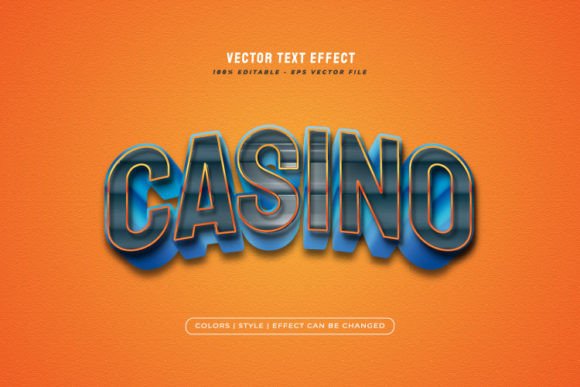
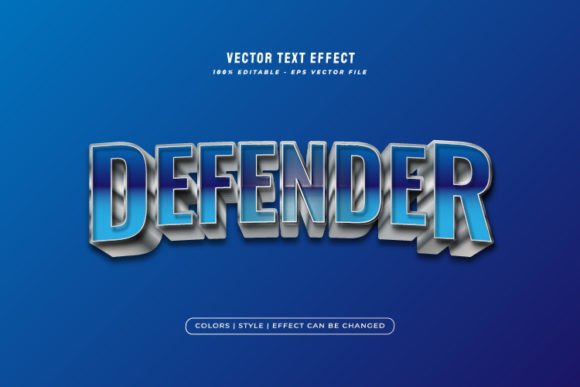
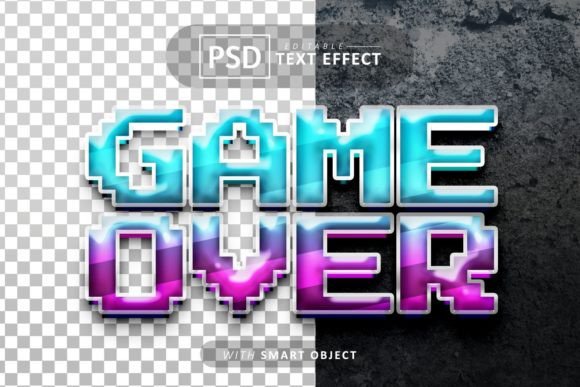
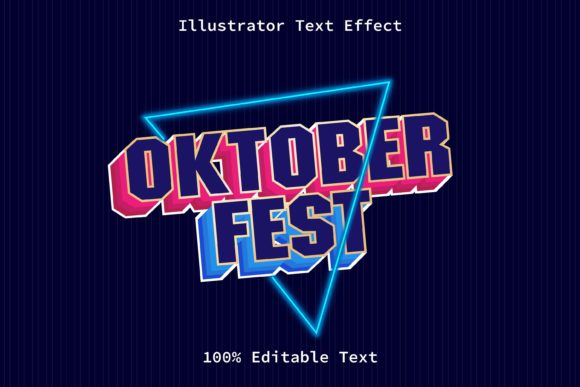
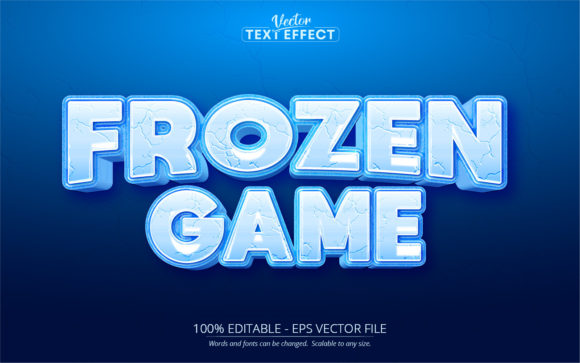
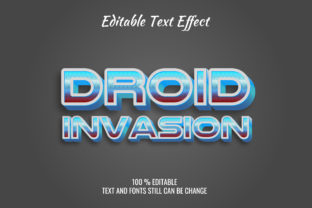
The core appeal of the Video Game Text Effect Graphic Style lies in its ability to instantly add weight and realism to your designs. We are talking about more than just a drop shadow; this is a comprehensive transformation that turns flat letters into 3D masterpieces. The visual characteristics of this style often mimic the ruggedness of battle-worn steel, the sleek shine of futuristic chrome, or the gritty texture of a post-apocalyptic landscape. It is a textured effect that adds a layer of storytelling to your typography before the audience even reads a single word.
What makes this specific asset so practical for the modern creative is the reliance on smart objects. You do not need to be a 3D modeling expert to utilize this. The workflow is designed to be intuitive: you simply double-click the smart layer, type in your text, save, and watch as the complex layer styles render your words into a cinematic 3D format. This "no skill requirement" approach is vital for small business owners and content creators who need professional results without the time sink of learning complex software like Blender or Cinema 4D. The result is a high-resolution, 300 DPI output that is crisp enough for both massive print banners and high-definition digital screens.
Practical Applications: Where This Style Shines
Understanding where to deploy the Video Game Text Effect Graphic Style is key to maximizing its value. Because it is highly versatile and works excellently on all text and shapes, the applications are vast. It is not limited to just making logos for gaming clans; it fits seamlessly into a variety of commercial and creative projects.
- Brand Identity and Logos: If you are launching a tech startup, a podcast about adventure, or a clothing line with an urban edge, this style helps create a logo that feels modern and authoritative. The 3D layer style ensures your brand mark stands out in a crowded market.
- Social Media and Content Creation: Thumbnails on YouTube or bold headers on Instagram need to stop the scroll. Using a cinematic text effect for your call-to-action or headline creates immediate visual interest, increasing click-through rates and engagement.
- Event Invitations and Flyers: Planning a themed party, a product launch, or a local tournament? A flyer utilizing this graphic style immediately sets the tone. It promises excitement and high stakes, whether the event is real or digital.
- Merchandise and Packaging: The 3D effect translates surprisingly well to physical products. When designing T-shirts, posters, or packaging for niche products (like energy drinks or tech accessories), this style adds a premium, tactile feel to the mockups.
- Editorial and Web Design: Bloggers and web designers can use these effects for hero images or section headers to break up text monotony. It adds a dynamic element to otherwise static web pages.
Enhancing Visual Communication and Brand Recognition
Typography is the voice of your design. A serif font might whisper tradition and elegance, but a bold, textured 3D style shouts confidence and modernity. When you incorporate the Video Game Text Effect Graphic Style into your assets, you are doing more than just decorating text; you are enhancing readability through depth and structure.
One of the biggest challenges in design is ensuring that your message isn't just seen, but felt. The depth provided by 3D text effects helps separate foreground information from background noise. This contrast improves readability, especially on busy backgrounds like nature photography or complex abstract textures. For brands, consistency is king. By using a well-organized asset like this, you can maintain a consistent visual language across different platforms. Whether it’s a Facebook ad, a website header, or a physical poster, the texture and lighting of the text remain uniform, strengthening brand recognition over time.
Furthermore, the versatility of this style allows it to adapt to various moods. By simply changing the background template or adjusting the lighting within the Photoshop file, the same text effect can look like rustic brushed metal for a vintage brand or sleek, glowing neon for a futuristic concept. This adaptability makes it a cornerstone asset for any designer’s library.
Smart Workflow: Editability and Professional Polish
The true power of the Video Game Text Effect Graphic Style lies in its technical execution. It is built for efficiency. The layers are well-organized, meaning you aren't digging through a chaotic file structure to find the "shiny" slider or the "grit" texture. This organization is crucial when you are working under tight deadlines.
Because the file is 100% editable, you have full control over the final look. You can adjust the colors to match specific brand palettes, tweak the intensity of the 3D extrusion, or modify the texture overlays. This level of control ensures that you aren't just pasting a generic effect onto your work; you are customizing a professional tool to fit your specific creative vision.
Consider the workflow improvements: instead of spending hours manually creating bevels, embossing, and lighting effects from scratch, you are starting with a polished template. This allows you to focus on the creative side of the project—choosing the right font pairing, deciding on the layout, and refining the overall composition. For entrepreneurs and marketers, time is money. A tool that delivers a high-end cinematic look without a steep learning curve or a massive time investment is invaluable. It elevates the production value of your marketing assets, making your brand look established and professional, regardless of the size of your team. Whether you are crafting a header for a gaming blog or a title card for a video intro, this asset ensures the typography does the heavy lifting for you.