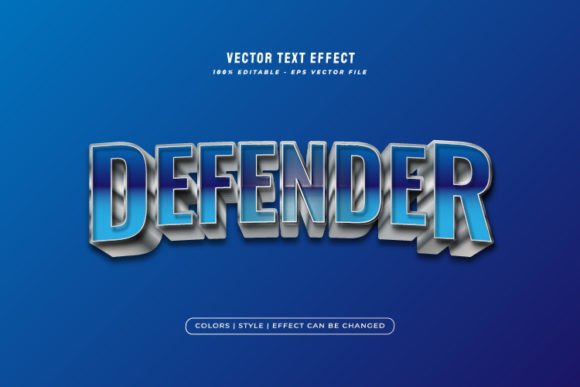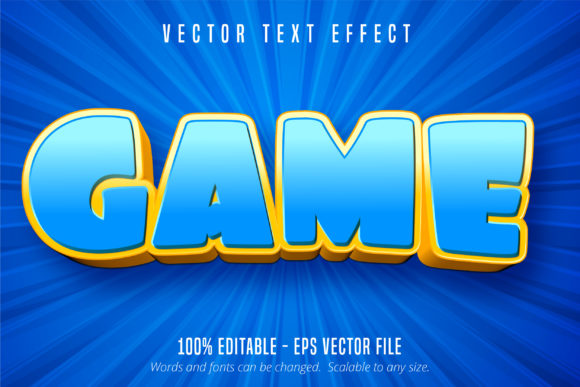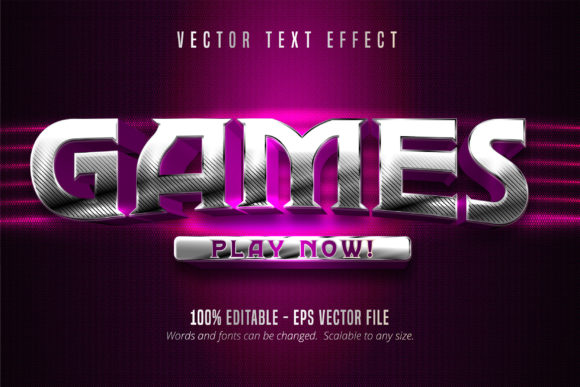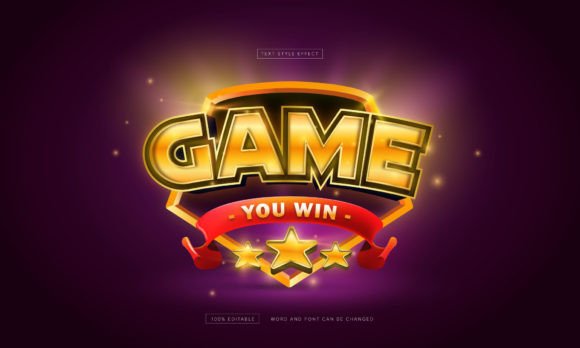
Capture Retro Vibes: The Arcade Game Text Style Effect
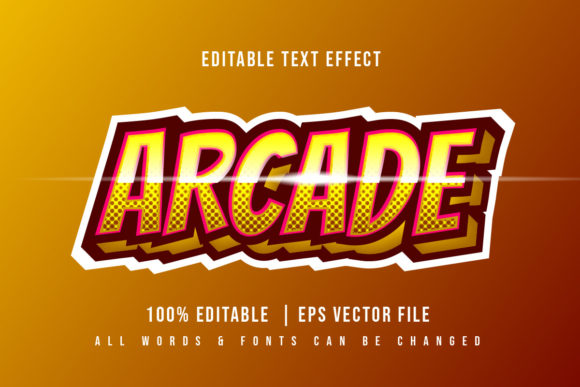
There is a specific kind of nostalgia associated with the golden age of gaming. It is the memory of dimly lit rooms, the smell of carpet cleaner, and the distinct, pixelated glow of a CRT monitor. If you are working on a project that needs to channel that 8-bit energy—whether it is a branding refresh for a retro bar, a YouTube channel intro, or merchandise for a gaming community—you know that finding the right typography is half the battle. You need a font that looks like it belongs on a high score screen but is versatile enough to work in modern design software. That is where the Arcade Game Editable Text Style Effect comes into play, offering a bridge between classic pixel art and contemporary vector design.
Beyond the Pixels: Why Vector Matters
It is easy to find pixel fonts online, but they often come with a significant limitation: scalability. A standard raster font might look great on a small social media post, but the moment you try to blow it up for a poster or a banner, the edges become jagged and blurry. This is the primary advantage of utilizing a solution like the Arcade Game Editable Text Style Effect. Because the underlying graphics are provided in a 100% vector format (EPS), you have infinite scalability.
Imagine you are designing a logo for a new indie game studio. You need that logo to fit on a business card, a website favicon, and potentially a large trade show booth. With vector typography, the file remains crisp and clean regardless of the dimensions. You are not limited by resolution constraints. This makes it an invaluable asset for professional logo design and packaging design, where clarity is non-negotiable. The shapes are well-organized, meaning you can manipulate the curves in Adobe Illustrator without the file becoming corrupted or messy.
Practical Applications for Modern Creators
The versatility of a retro-gaming aesthetic extends far beyond just making video game titles. As a designer or content creator, understanding how to apply this style can open up new creative avenues. Here is how different professionals can leverage this asset:
- Social Media Graphics: In a sea of minimalist sans-serif posts, a bold, pixelated header stops the scroll. It is perfect for announcing sales, celebrating milestones, or promoting tech-related content.
- Merchandise and Apparel: The arcade look is a staple in streetwear. Use the editable text style to create T-shirt designs or tote bags that appeal to the gaming demographic.
- Editorial Design: If you are laying out a magazine spread or a blog post about the history of technology, using this effect for pull quotes or drop caps adds a thematic touch that engages the reader.
- Event Invitations: Planning a birthday party or a corporate team-building event with a retro theme? This typography instantly sets the tone on the invitation, saving you from having to explain the vibe in paragraphs of text.
The key here is adaptability. Because the Arcade Game Editable Text Style Effect works with any font or shape, you are not locked into a single look. You can apply the effect to a script font for a whimsical take, or a bold serif font for a more authoritative, industrial feel. This flexibility is crucial for maintaining visual consistency across a brand identity.
Customizing for Brand Recognition
One of the most common mistakes in branding is using a design asset "out of the box." While the default settings of this text style are professional and elegant, the real value lies in its editability. The RGB color mode is optimized for screens, but you can easily adjust the color palette to match your specific brand guidelines.
Consider a local coffee shop that wants to launch a new loyalty app. They might use this text style to create the app icon and promotional banners. By changing the standard neon colors to their specific brand earth tones, they maintain their identity while utilizing the playful nature of the arcade style. This helps improve brand recognition because the audience associates the fun, engaging typography with the specific business.
Furthermore, the ability to edit objects means you can remove or add elements. Perhaps the "glow" effect is too strong for a light-mode website design. In Illustrator, you can dial back the opacity or simplify the shadows to ensure readability remains high. Good typography isn't just about looking cool; it's about communicating a message effectively. If the text is hard to read, the design fails, no matter how trendy it looks.
Integration into Your Workflow
For many designers, time is money. A design asset that requires hours of setup is often more trouble than it is worth. The Arcade Game Editable Text Style Effect is designed to be ready to use immediately via the Graphic Style panel in Adobe Illustrator. This workflow efficiency allows you to focus on the creative aspect of the project rather than the technical setup.
When working on marketing assets or digital products, speed is essential. You might need to mock up three different concepts for a client by the end of the day. Having a library of reliable, high-quality design assets like this one streamlines the process. It allows you to experiment with different font pairings quickly. For example, pairing a pixelated header with a clean, modern sans serif font for body text creates a beautiful contrast that guides the viewer's eye.
Choosing the Right Context
While this style is versatile, context matters. It is important to consider your audience and the medium. For a corporate law firm, an arcade-style headline might be too casual. However, for a tech startup, a gaming convention, or a retro-themed diner, it is the perfect fit.
Think about the "personality" of your project. Is it loud and energetic? Is it nostalgic? Is it edgy? The Arcade Game Editable Text Style Effect leans heavily into nostalgia and energy. It works best when you want to evoke a sense of fun or technical expertise. When selecting your typography, always ask: "Does this font support the story I am trying to tell?"
Additionally, consider the licensing. Since this is a commercial font asset, it is cleared for use in commercial projects, which is a significant relief for small business owners and freelancers. You do not want to risk a copyright claim on a logo you designed for a client. Using reputable, fully licensed assets ensures that your work is professional and legally sound.
Final Thoughts on Typography and Usability
Typography is the voice of your design. It whispers, shouts, or speaks plainly. The Arcade Game Editable Text Style Effect offers a voice that is unmistakable—bold, structured, and reminiscent of a time when high scores were the only thing that mattered. It is a premium design tool that bridges the gap between complex vector manipulation and user-friendly application.
Whether you are a seasoned graphic designer looking to expand your toolkit or a small business owner trying to create your own social media content, this asset provides the quality and flexibility you need. By focusing on the editability and vector nature of the files, you ensure that your designs look professional across all mediums, from a small mobile screen to a large printed poster. It is not just about making text look like a game; it is about using that visual language to connect with an audience that appreciates the art of the pixel.